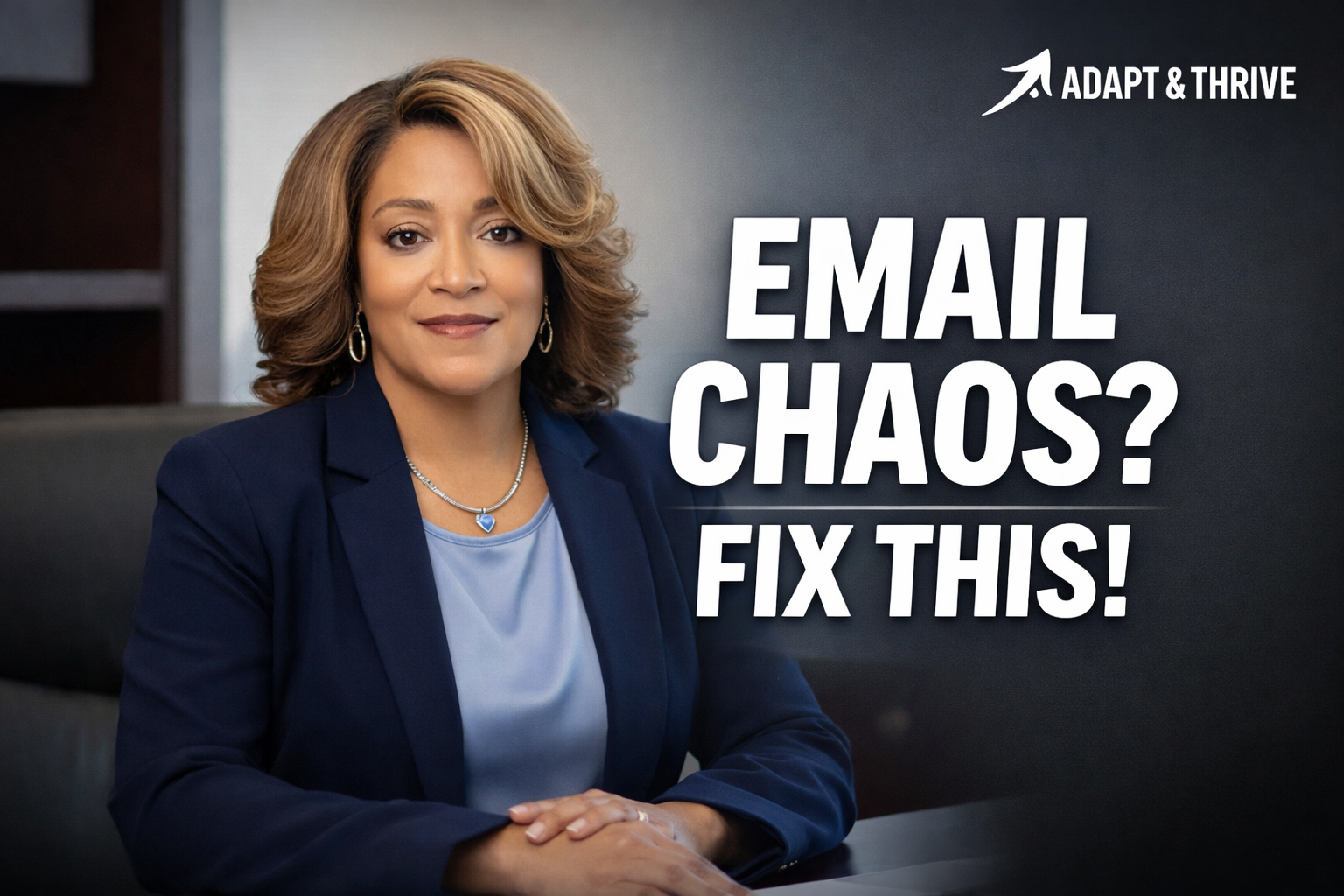
Email Chaos? Fix This: 5 AI Workflows for Corporate Executive Assistants
A quick guide to the 5 AI workflows that turn email, meetings, and weekly updates into clarity—plus the full YouTube walkthrough.
BUILDING LEADERSCAREERSKILLSCHANGE
Lori Pritchard, BSW, MHS
1/15/20261 min read
If your inbox never stops, you’re not_switching careers—you’re upgrading how you work.
Corporate Executive Assistants are being asked to manage more information, more stakeholders, and faster decisions than ever before.
The difference between being overwhelmed and being indispensable isn’t effort — it’s systems.
The fastest upgrade?
👉 Use AI as your first-pass assistant, not your final voice.
✅ Watch the full walkthrough on YouTube:
▶
The 5 AI Workflows (Quick Guide)
Below is the exact framework demonstrated in the video — designed for real executive environments.
1) Email Threads → 5-Bullet Clarity
Stop rereading long threads. Pull out only what matters:
Decision
Still open
Response needed
Due date
Next step
📌 This alone can save hours per week.
2) Replies → Two Draft Options (Then Polish)
Ask AI for options, not answers:
Short + direct
Warm + collaborative
Choose the tone, then do a quick human edit so it still sounds like you.
3) Meeting Notes → Decision Summary
Executives don’t need transcripts. They need clarity.
Decisions
Owners
Deadlines
Risks / blockers
Next steps
📌 This is where trust is built.
4) Weekly Update → Visibility Builder
Use four simple sections (bullets only):
Wins
Decisions needed
Watch-outs
Next priorities
📌 This makes your work visible without over-explaining.
5) SOPs → Promotable Value
Turn repeat work into documented value:
Purpose
Steps
Templates / tools
Exceptions
Escalation
📌 This is how assistants move from “support” to “strategic.”
If You Only Start With One…
Start with Meeting Notes → Decision Summary
It’s the fastest workflow that:
Reduces executive friction
Improves decision velocity
Positions you as a strategic operator, not just a task manager
✅ Watch the 5-Workflow Video Here:
▶
Subscribe on YouTube for practical AI workflows designed specifically for Executive Assistants and operations professionals.
Your role is evolving — and this is how you stay confident, clear, and indispensable.